Read the machine mix on your sites before the drive round.

Once a month, Site Machine Mix reports which machine classes are on each active construction site in your territory and what phase of the build that points to, from very-high-resolution imagery.

Site plan of one active construction site12345

Where the drive round runs out

You move machines on the monthly repositioning call, and what you know about the sites comes from your reps, the contracts out on hire and the trackers on the machines that have one. Plant that isn't yours doesn't show up in any of those.

A site can be winding down for weeks before an off-hire call reaches you, and another can ramp up with nobody on it from your branch. You find out on the next visit, and by then the excavator you needed moved is still sitting at the wrong depot.
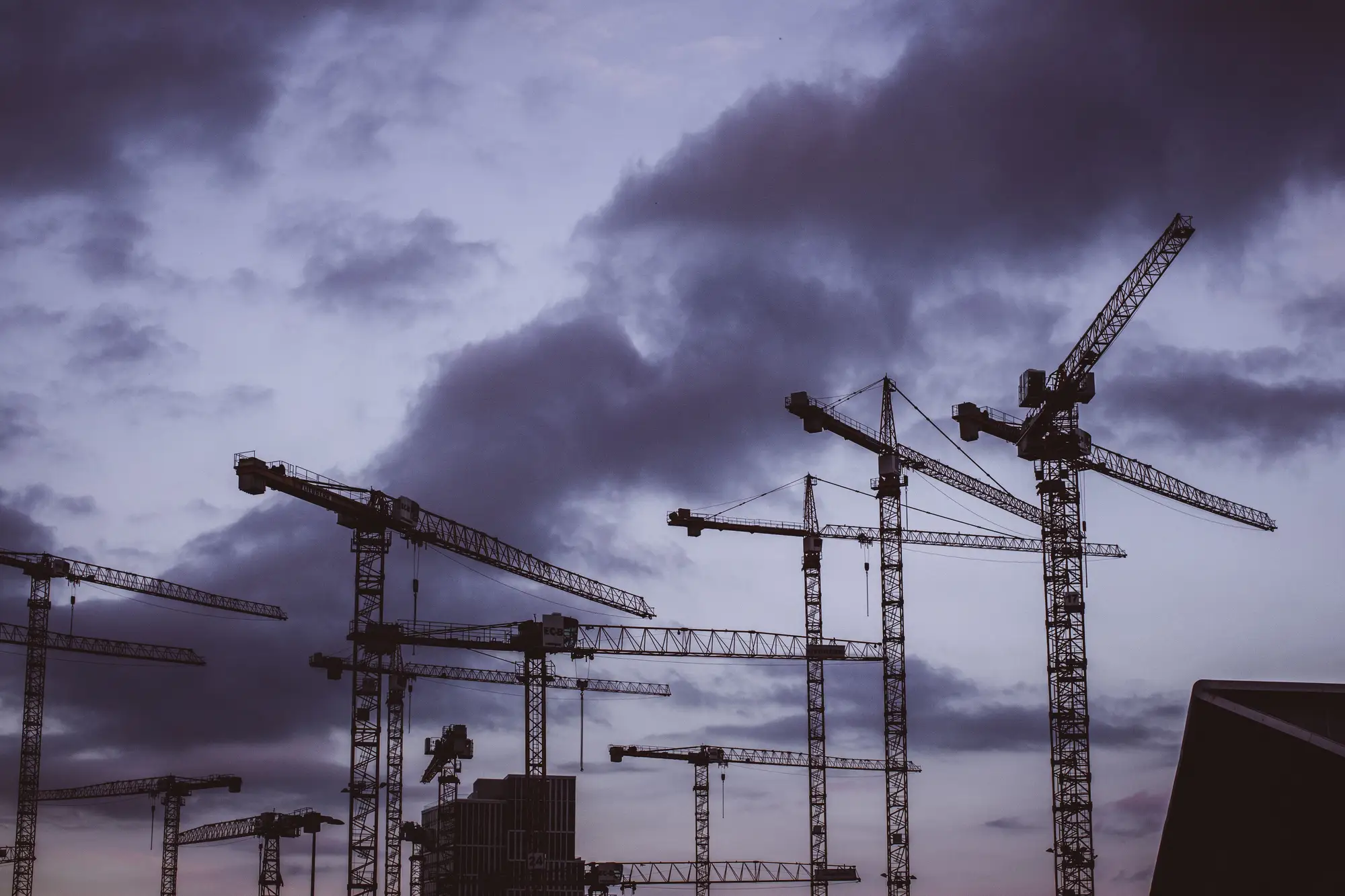
Tower cranes over a city building site against a dark evening sky

The repositioning call, step by step

RefStepThe drive roundWith Site Machine Mix
Which sites are still liveReps drive their patch and look over the hoarding. Sites off the regular route get seen when someone passes.Every site on your list gets a monthly read, so the ones thinning out show against the ones ramping up.
What is parked on themYou know your own machines from the contracts and the trackers. Everything else on site is what a rep happened to spot.Each site comes back with a count of the machine classes on it, yours and everyone else's, as a table.
Where the build isA rep's read of the phase, given at the next visit or on the next call.A phase signal for each site, worked out from the mix and the footprint: earthworks, foundations, structure or fit-out.
Change since last monthYou compare the last call's notes with this call's, site by site, and rely on memory for the rest.Once there are two passes, the time series shows what left, what arrived and which sites changed phase.
The repositioning callBranch managers argue for stock on the evidence they have, and the regional manager weighs it against utilisation.You open the call with the list of sites that changed since last month, and ask the branch about those first.
Still yoursWhich machines move, the utilisation numbers, the customer relationship and the visit to any site that matters.

What you get each month

  1. F1Table

    Site machine mix

    For each site on your list, the machine classes found in that month's pass and how many of each. Comes monthly, as a file you can open beside your utilisation report.

    ServesR1R2

  2. F2Phase per site

    Phase read

    One of earthworks, foundations, structure or fit-out for each site, worked out from the mix and the size of the footprint. It is a signal that points you at a site, and it does not certify the phase.

    ServesR3

  3. F3Month on month

    Time series

    From the second month, each site's mix is set against the last one, so a site that has gone quiet or changed phase shows up without you reading both tables.

    ServesR4R5

A month, start to finish

The read follows the month you already run: sites in once, then an image pass and a table back each month.

  1. 01

    Sites in

    Once

    You send the list of sites or the territory outline you want watched. Keep the list current as sites open and close.

  2. 02

    Imagery

    Each month

    We pick the latest usable pass over the territory at 0.5 m or finer, satellite or aerial.

  3. 03

    Analysis

    Each month

    Machines on each site are detected and sorted into classes, and the mix is compared with the footprint to give a phase signal.

  4. 04

    Delivery

    Each month

    The mix table and phase read come back, with the change since last month once there are two passes. A cloudy month can push the pass later.

Limits

  1. Classes, not makes

    The read says excavator, crane, compactor or hauler. It does not say whose machine it is, or make, model or hire status.

  2. What 0.5 m can see

    At 0.5 m a pixel is about 20 inches across. A tracked excavator or a crawler crane covers enough pixels to be counted and sorted. A small plate compactor, a breaker or a generator set does not, and small plant is not part of the read.

  3. Hoardings, roofs and shadow

    Machines under a roof, behind solid hoarding or in the shadow of a tower crane can be missed. A site with a lot of covered ground will read light.

  4. Cloud and daylight

    The imagery is optical, taken in daylight. Persistent cloud over the territory pushes a pass past the month end, and the delivery follows the pass.

  5. A signal, not a site visit

    The phase read points you at a site. It does not replace a visit, a count on the ground or a look at the contract.

Who it's for

Switch if

  • You are a regional fleet manager at a rental company or an OEM deciding where machines should sit
  • You reposition on a monthly call and want to know which sites changed since the last one
  • You cover more sites than your reps can drive round in a month

Stay with the drive round if

  • You need a machine's make, model, serial or hire status
  • You want a count of small plant
  • You need the phase of a site certified, or a substitute for a site inspection
  • You cover a handful of sites that a rep passes every week

Questions before a pilot

Do you identify machine brands?

No. The read sorts machines into classes such as excavator, crane, compactor and hauler. It does not name a make or a model.

Can this replace a site visit?

No. It tells you which sites to look at first. The visit, and any count that matters, stays yours.

What about sites under hoardings or in crane shadow?

Machines in covered or shadowed ground can be missed. The read is light on those sites.

How soon after month end do we get it?

It follows the next usable cloud-free pass, so it is not instant. A cloudy month can push it later.

How do we check it against what we know?

Pick a handful of sites where you know what is parked, send them and compare our table with your own records and your reps' notes. Start there before you widen the list.

Does it plug into our rental system or telematics?

We send files you open beside your reports. We don't write into your rental system or your telematics.

Who owns the imagery and the results?

The terms are agreed in writing when the pilot starts. If your legal team needs them earlier, ask.

How is a pilot priced?

It depends on how many sites are on the list and which imagery is used. Tell us about your territory and we'll scope a pilot to it.

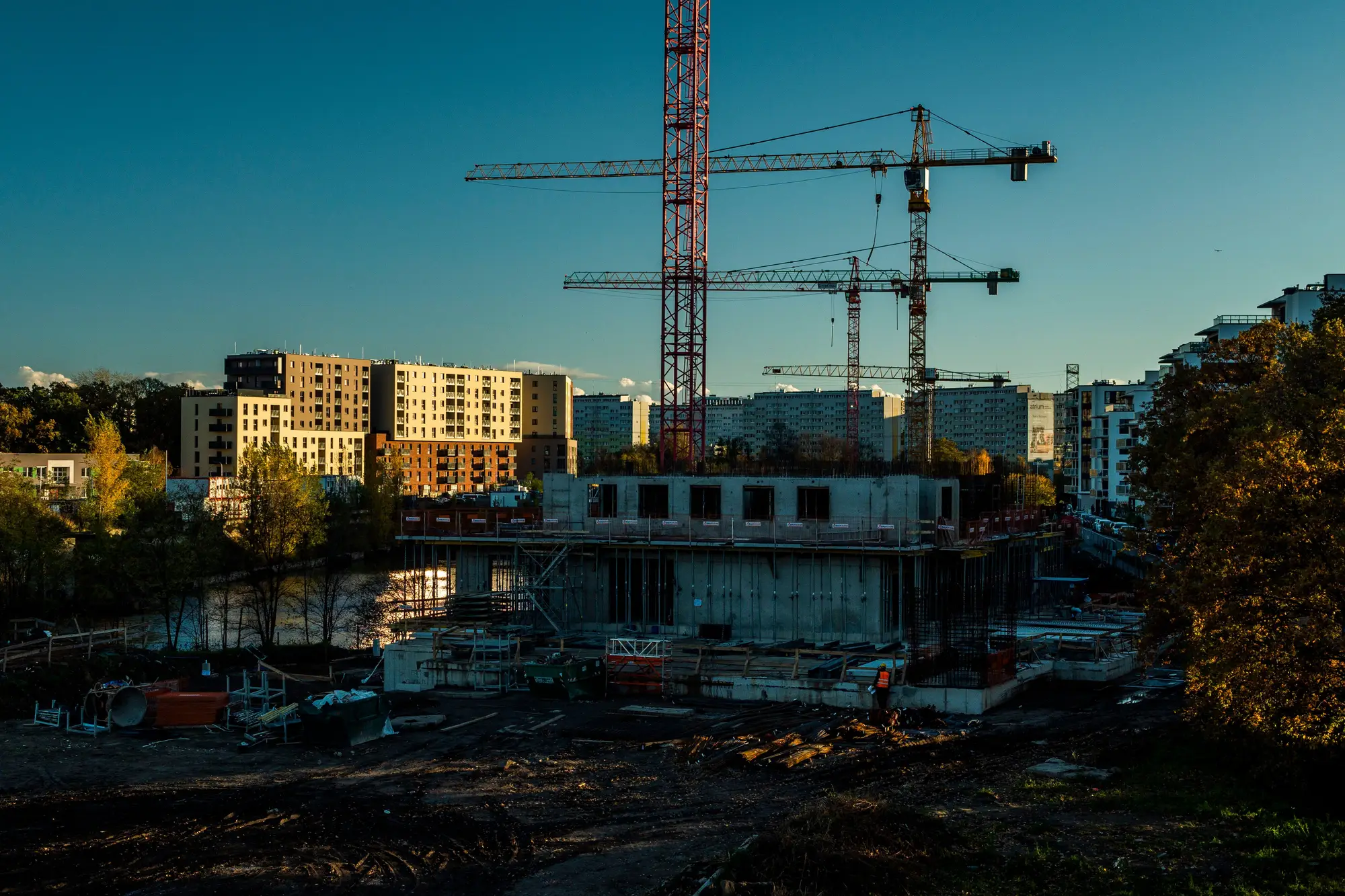
A concrete frame going up beside finished blocks, tower cranes overhead at dusk

See the mix before you make the call.

Send us the sites you would watch first. We'll scope a pilot on them and tell you what the imagery can show.